Vector Document
Purpose
Geometric features with attributes to be displayed as overlays (roads, AOIs, polygons of analysis results).
GeoJSON (DB metadata)
{
  "type": "Feature",
  "geometry": {"type": "MultiPolygon", "coordinates": [[[[30.10, 59.90], [30.20, 59.90], [30.20, 60.00], [30.10, 60.00], [30.10, 59.90]]]]},
  "properties": {
    "type": "Vector",
    "title": "AOI Boundaries",
    "created_at": "2025-08-01T10:00:00Z",
    "updated_at": "2025-08-01T10:00:00Z",
    "source": {
      "url": "/s3/<bucket>/<ResultKey>/<filename>",
      "type": "GeoJSON"
    },
    "show_all_points": false,
    "icon_default": "circle",
    "legend": {"title": "AOI"}
  }
}
The source.url points to a GeoJSON file whose individual features may carry per-feature styling properties (see Feature styling properties below).
Required properties
properties.type=VectorVector geometry footprint or representative geometry
If the vector dataset is external, link via
properties.source.url; otherwise inline features can be embedded in an external GeoJSON thatproperties.source.urlpoints to.
Document-level properties
show_all_points
Type |
|
Required |
No |
Default |
|
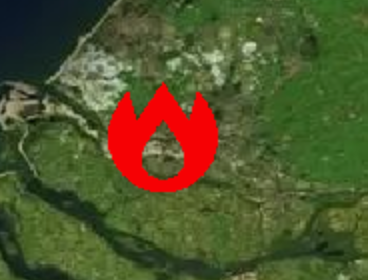
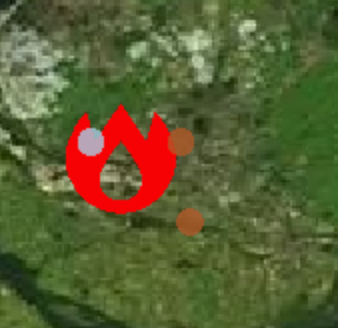
By default, overlapping point features are filtered by the rendering engine’s collision detection. When true, collision detection is disabled and all point features are rendered simultaneously regardless of zoom level or overlap.
Note: Only affects Point / MultiPoint geometries. Polygon and line geometries are always fully rendered.
|
|
|---|---|
|
|
icon_default
Type |
|
Required |
No |
Default |
|
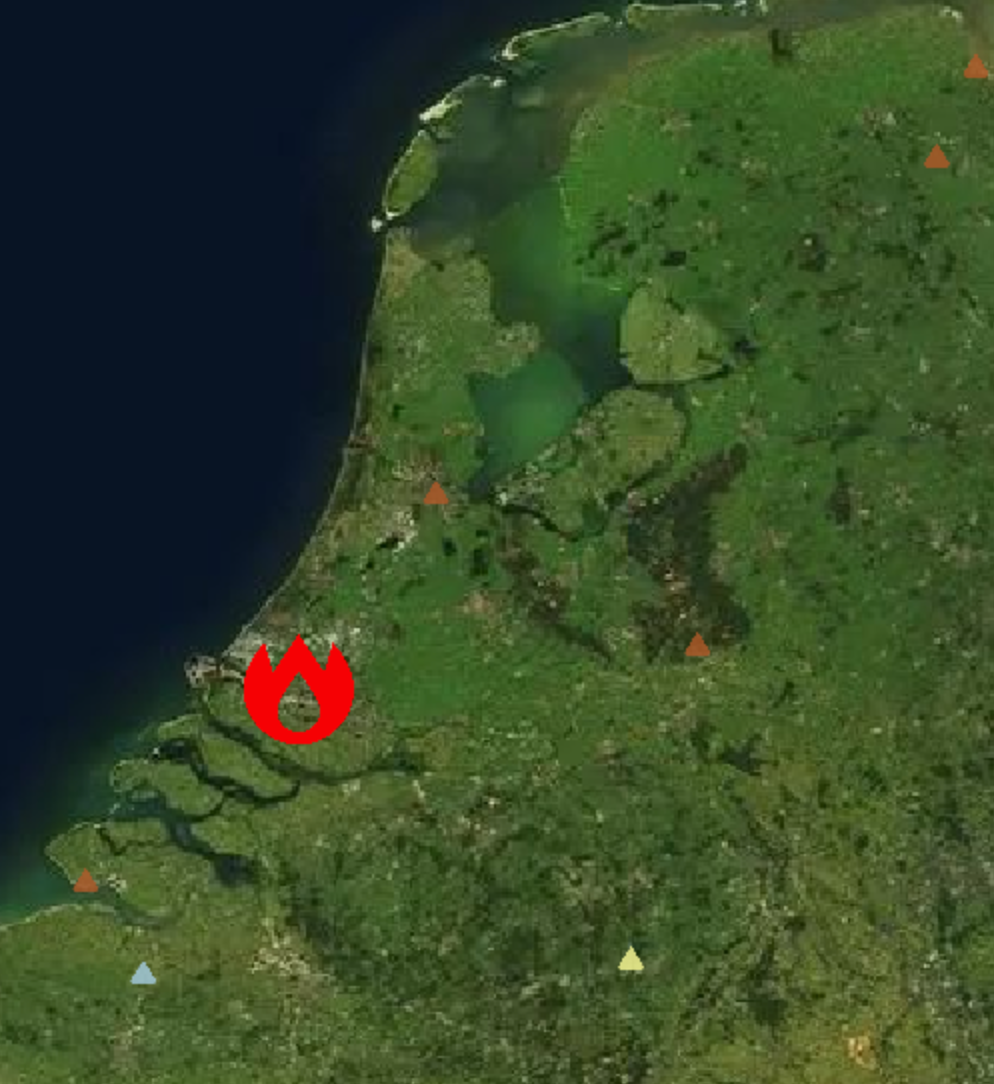
Fallback sprite name used when a feature does not supply a point_icon_name. Must be one of the sprite names listed in the built-in atlas below.
Example — all points rendered as triangles:
"icon_default": "triangle"
icon_pack_url
Type |
|
Required |
No |
Default |
— |
URL to an alternative sprite atlas PNG. When provided, the renderer uses this external atlas instead of the built-in one. Must be used together with icon_pack_sprites.
icon_pack_sprites
Type |
|
Required |
No |
Default |
— |
Sprite coordinate map for the alternative atlas supplied by icon_pack_url. Each key is a sprite name (matched by point_icon_name); each value is a 4-element array of atlas pixel coordinates [x, y, width, height].
(Reserved for future use — built-in atlas is the active path.)
Feature styling properties
These properties are set on the properties object of individual GeoJSON features inside the referenced GeoJSON file. They control the visual appearance of each feature independently.
Property |
Type |
Default |
Applies to |
|---|---|---|---|
|
|
|
Polygon fill |
|
|
|
Polygon outlines, line geometries |
|
|
falls back to |
Point geometries |
|
|
|
Point geometries |
|
|
falls back to |
Point geometries |
fill
Fill colour for polygon features. Accepts any CSS colour string (hex, rgb(), rgba(), named colours).
stroke
Stroke/outline colour for polygon borders and line features. Also used as the fallback colour for point features when point_color is absent.
point_color
Fill colour (tint) applied to the point icon. Falls back to stroke when omitted, then to the built-in default rgba(51, 136, 255, 0.5).
point_size
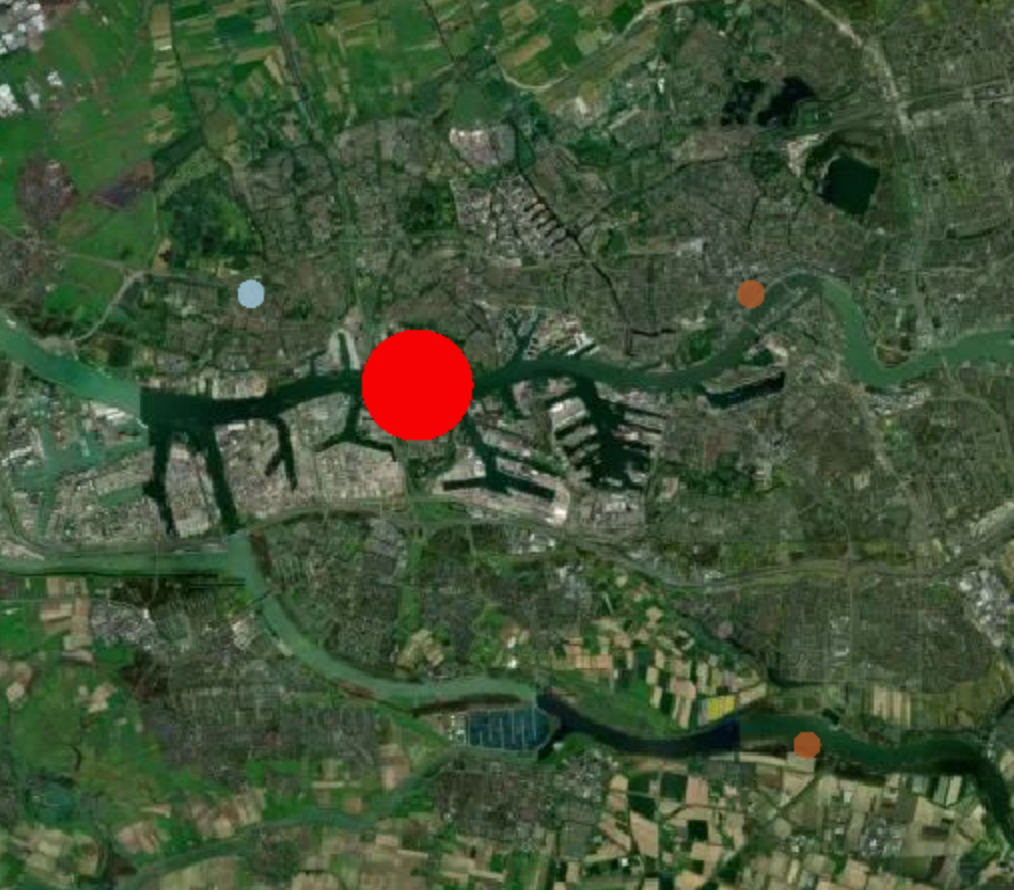
Diameter of point icons in pixels. This is a fixed screen-space size — it does not scale with zoom level or distance (no attenuation). Defaults to 16.
Example — large red dot using point_size and point_color:
{
  "point_size": 64,
  "point_color": "red"
}
point_icon_name
Sprite key identifying which icon to render for a point feature. The key must exist in the active atlas (built-in, or the one supplied by icon_pack_url). When absent, the document-level icon_default is used instead.
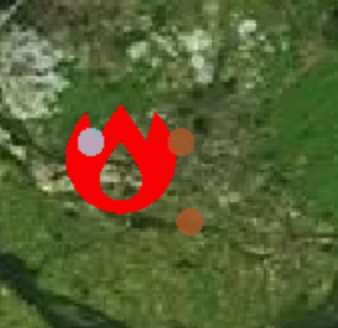
Example — large red fire-station icon using point_size, point_color, and point_icon_name:
{
  "point_size": 64,
  "point_color": "red",
  "point_icon_name": "fire-station"
}
The following sprite names are available in the built-in atlas:
aerialway airfield airport alcohol-shop american-football amusement-park animal-shelter aquarium arrow art-gallery attraction bakery bank bank-JP bar barrier baseball basketball bbq beach beer bicycle bicycle-share blood-bank bowling-alley bridge building building-alt1 bus cafe campsite car car-rental car-repair casino castle castle-JP caution cemetery cemetery-JP charging-station cinema circle circle-stroked city clothing-store college college-JP commercial communications-tower confectionery construction convenience cricket cross dam danger defibrillator dentist diamond doctor dog-park drinking-water elevator embassy emergency-phone entrance entrance-alt1 farm fast-food fence ferry ferry-JP fire-station fire-station-JP fitness-centre florist fuel furniture gaming garden garden-centre gate gift globe golf grocery hairdresser harbor hardware heart heliport highway-rest-area historic home horse-riding hospital hospital-JP hot-spring ice-cream industry information jewelry-store karaoke landmark landmark-JP landuse laundry library lift-gate lighthouse lighthouse-JP lodging logging marae marker marker-stroked mobile-phone monument monument-JP mountain museum music natural nightclub observation-tower optician paint park park-alt1 parking parking-garage parking-paid pharmacy picnic-site pitch place-of-worship playground police police-JP post post-JP prison racetrack racetrack-boat racetrack-cycling racetrack-horse rail rail-light rail-metro ranger-station recycling religious-buddhist religious-christian religious-jewish religious-muslim religious-shinto residential-community restaurant restaurant-bbq restaurant-noodle restaurant-pizza restaurant-seafood restaurant-sushi road-accident roadblock rocket school school-JP scooter shelter shoe shop skateboard skiing slaughterhouse slipway snowmobile soccer square square-stroked stadium star star-stroked suitcase swimming table-tennis taxi teahouse telephone tennis terminal theatre toilet toll town town-hall triangle triangle-stroked tunnel veterinary viewpoint village volcano volleyball warehouse waste-basket watch water waterfall watermill wetland wheelchair windmill zoo

Publishing workflow
Export vector dataset as GeoJSON or FlatGeobuf.
Upload payload and record the URL.
Publish Feature with type
Vectorreferencing dataset.
Validation checklist
CRS is WGS84 or convertible by the UI service.
Per-feature styling properties (
fill,stroke,point_color,point_size) use valid CSS colour strings.point_icon_namevalues must exist in the built-in atlas or the atlas supplied byicon_pack_url.icon_defaultmust exist in the active atlas; defaults to"circle"if omitted.Do not use a top-level
styleobject on the document — styling is applied per-feature.
See Common properties for shared fields like legend, metadata, and classification.